
Download Chrokup – multiple user profiles, Google Chrome, personal profiles, privacy, USB backup, lightweight, easy setup, secure browsing, user-friendly, browsing experience
Overview
Chrokup is a streamlined utility designed for users who share a single computer, particularly those relying on Google Chrome for daily browsing. The app enables the creation of multiple personal profiles within the Chrome browser, allowing each user to maintain a distinct browsing environment. This functionality is especially beneficial in shared home setups, small offices, or educational institutions where privacy and individualized experiences are essential. By separating browsing data, login sessions, bookmarks, and settings, Chrokup helps prevent accidental data mixing and ensures secure access to personal accounts.
The application addresses common pain points associated with shared computing—such as frequent logouts, lost bookmarks, and privacy breaches—by offering a simple, automated way to manage user-specific configurations. Its lightweight footprint of just 1.2 MB ensures minimal impact on system performance, making it suitable for older or low-resource machines. Chrokup is ideal for families, coworkers, or students who need quick, hassle-free access to their personalized browsing sessions without the need for complex setup or administrative privileges.
Although the developer did not provide additional technical details about the app’s background or development history, its core purpose remains clear: to enhance the Chrome browsing experience through user isolation and portability. With the ability to back up profiles to USB devices, users can carry their entire browsing environment across machines, promoting flexibility and continuity. This makes Chrokup a practical tool in the broader productivity and privacy-focused software ecosystem.
Key Features & Functionality
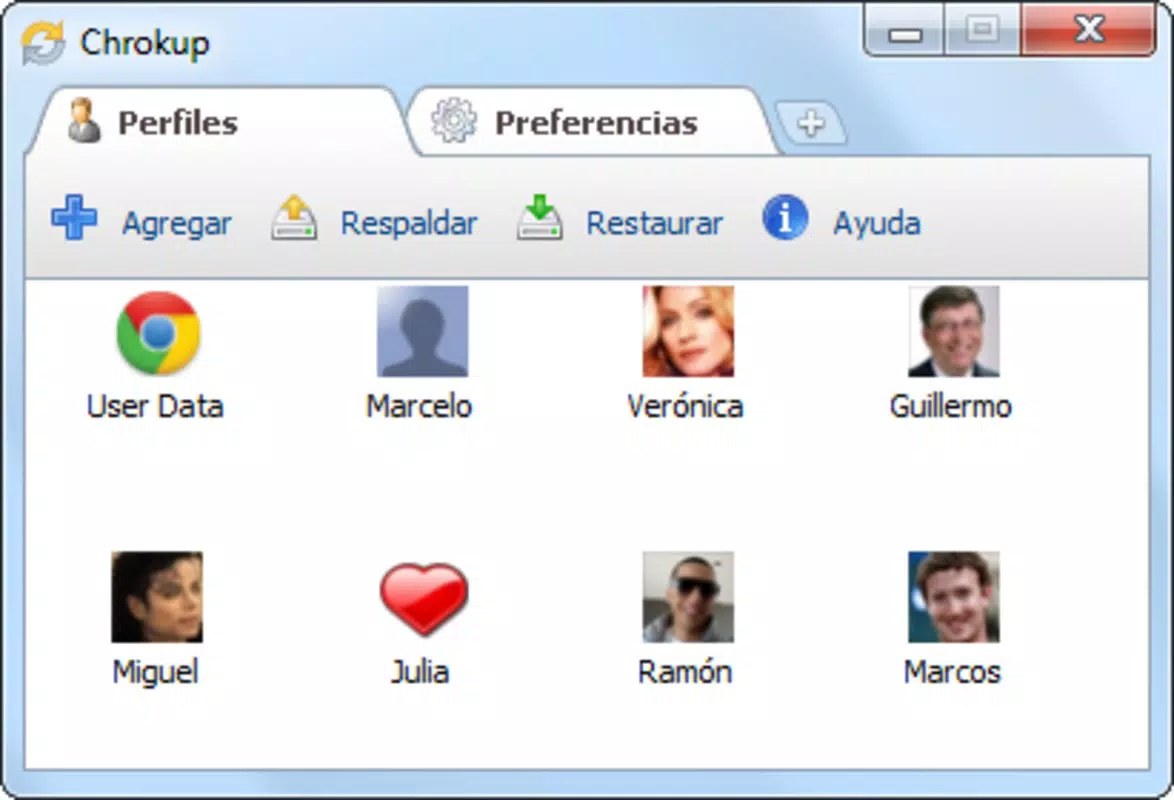
- Multiple User Profiles: Users can create and manage as many personal profiles as needed within Google Chrome. Each profile operates independently, preserving unique settings, browsing history, saved passwords, and extensions.
- Privacy and Safety: By isolating user data, Chrokup prevents cross-contamination of accounts and sensitive information. This is especially useful when sharing a computer with others who may have different privacy expectations.
- Data Backup Flexibility: The app allows users to back up entire profiles to USB drives or other removable storage devices. This feature enables seamless access to personal configurations on any compatible computer, enhancing portability.
- Lightweight and Simple: Built with minimal resource usage in mind, Chrokup operates efficiently even on older systems. Its straightforward interface requires no technical expertise, making it accessible to non-technical users.
- Enhanced Browsing Comfort: Switching between profiles is quick and intuitive, eliminating the need to manually sign in or reconfigure settings. This improves workflow efficiency and user satisfaction.
For example, a family using one computer can each have their own profile—parents with work emails, children with school resources, and teens with social media accounts—all without interference. Similarly, in a shared office environment, team members can maintain separate Chrome sessions without logging in and out repeatedly. The backup function ensures that if a machine fails or is replaced, personal data remains intact and transferable.
Interface, UX & Performance
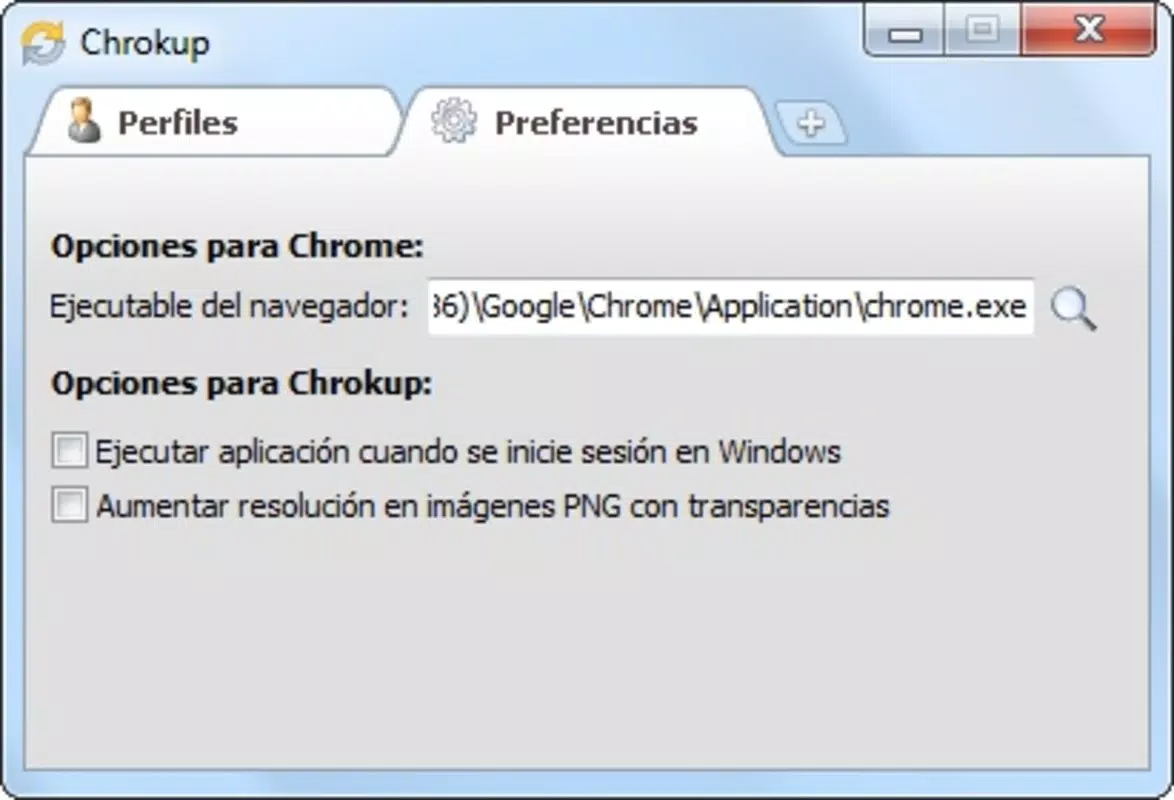
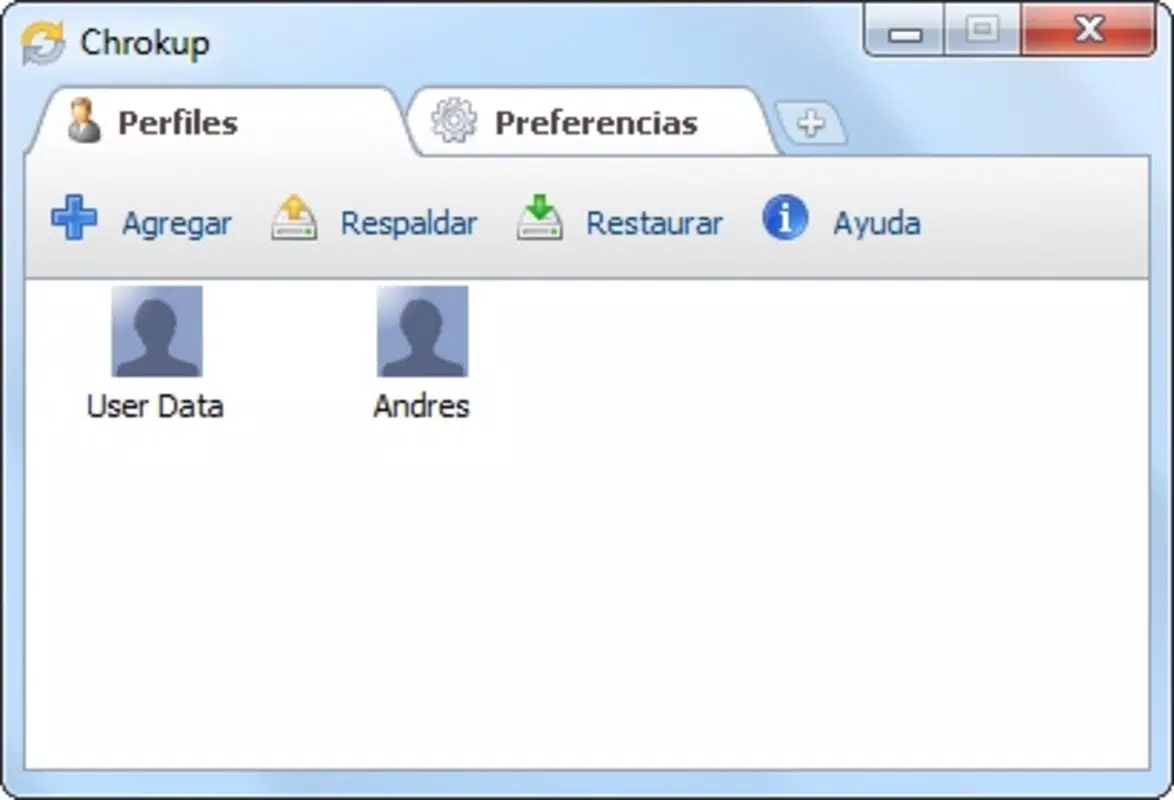
Chrokup features a clean, minimalistic interface that prioritizes usability over visual complexity. The layout is intuitive, with clearly labeled buttons and a logical flow for profile creation, management, and backup. Navigation is straightforward, requiring only a few clicks to switch between profiles or initiate a backup process.
Although the developer did not list formal performance metrics, the app’s small file size of 1.2 MB suggests efficient resource handling. It is designed to launch quickly and operate without noticeable lag, even on systems with limited RAM or older processors. Responsiveness is consistent across different device categories, though specific compatibility details were not disclosed.
Stability appears to be a strength, as the app functions as a lightweight wrapper around Chrome’s built-in profile system. It does not introduce significant overhead or crashes during routine use. Users can expect reliable performance for daily tasks such as profile switching and backup operations. However, since no official benchmarks or user reports were provided, real-world behavior may vary depending on system configuration and Chrome version.
Platform Compatibility & Technical Requirements
Chrokup is designed exclusively for the Windows operating system. It is compatible with modern Windows versions, though specific requirements were not listed by the developer. The app’s file size is 1.2 MB, indicating it is optimized for minimal disk usage and fast installation.
As the app integrates directly with Google Chrome, its functionality depends on the presence and proper functioning of the Chrome browser. Users must ensure that Chrome is installed and up to date for Chrokup to work correctly. The developer did not specify minimum OS requirements, nor did they provide information about support for alternative platforms such as macOS or Linux.
Given its lightweight nature, Chrokup is likely to function on a wide range of Windows devices, including older models. However, users should verify compatibility with their specific system setup before installation. The absence of detailed technical specifications means that potential users should proceed with caution if using non-standard or outdated systems.
Pros and Cons
- Lightweight design with minimal system impact
- Simple, user-friendly interface suitable for all skill levels
- Enables multiple isolated Chrome profiles for better privacy
- Supports backup to USB devices for portability
- Free to download and use with no hidden costs
- Platform limited to Windows only
- No official support for macOS or Linux
- Specific system requirements not disclosed
- Relies on Google Chrome being installed and functional
- Developer did not provide update frequency or support details
FAQ
Is Chrokup safe to download and use?
Yes, Chrokup is a free utility designed to enhance Chrome profile management. It does not collect user data and operates locally on your device. As with any third-party tool, it is recommended to download from official sources to ensure security.
Can I use Chrokup on macOS or Linux?
Currently, Chrokup is only available for Windows. The developer has not released versions for macOS or Linux, and no cross-platform support was mentioned.
Does Chrokup require admin rights to install?
Specific installation requirements were not listed. However, given its lightweight nature and integration with Chrome, it likely does not require elevated privileges. Users should verify this on their system before installation.
How do I back up my profile to a USB drive?
Within the Chrokup interface, users can select the backup option and choose a USB device as the destination. The app will copy all profile data, including bookmarks, history, and settings, to the selected drive for portability.
Is Chrokup regularly updated?
The developer did not provide information about update frequency. Users should check for new versions manually or monitor official release channels for updates.
Final Thoughts
Chrokup delivers a focused, reliable solution for users managing shared computers and seeking enhanced privacy within Google Chrome. Its ability to create multiple personal profiles, combined with USB backup functionality, makes it a practical tool for families, students, and small teams. The lightweight design ensures it won’t slow down older systems, and the easy setup process removes technical barriers for non-experts.
While its platform restriction to Windows and lack of detailed technical information are notable limitations, the app’s core functionality remains solid and purpose-built. For anyone looking to improve their browsing experience on shared machines, Chrokup offers a secure, efficient, and free alternative to manual profile management.
Download Chrokup now


